Gaming Power Mode
Prioritizes active gaming threads and eliminates OS power throttling to deliver ultra-low input latency and maximum CPU responsiveness during competitive matches.
RyNxt Gaming Optimizer is engineered and fully optimized for hardware and systems from: Alienware, ROG & ASUS, Razer Blade, MSI Gaming, Lenovo Legion, AORUS & Gigabyte, HP Omen, Dell XPS & G-Series, Acer Predator, Intel Core & Arc, AMD Ryzen & Radeon, NVIDIA GeForce RTX, Corsair Systems, ASRock Phantom, Microsoft Surface.
Say goodbye to input lag, micro-stutters, and frame drops. The AI Windows gaming optimizer engineered for peak performance across all major PC & laptop brands.

Stop unnecessary Windows background tasks to dedicate 100% of your PC and laptop power directly to your game.
Boost average FPS and prevent sudden frame drops during heavy action in competitive games.
Eliminate system delay for instant mouse, keyboard, and controller response in every match.
Free up standby memory cache automatically to stop micro-stutters and game freezes.
Automatically analyzes your hardware to calibrate Windows internal timers and background priorities. Delivers smoother frame pacing and noticeably lower input delay tailored to your specific setup.
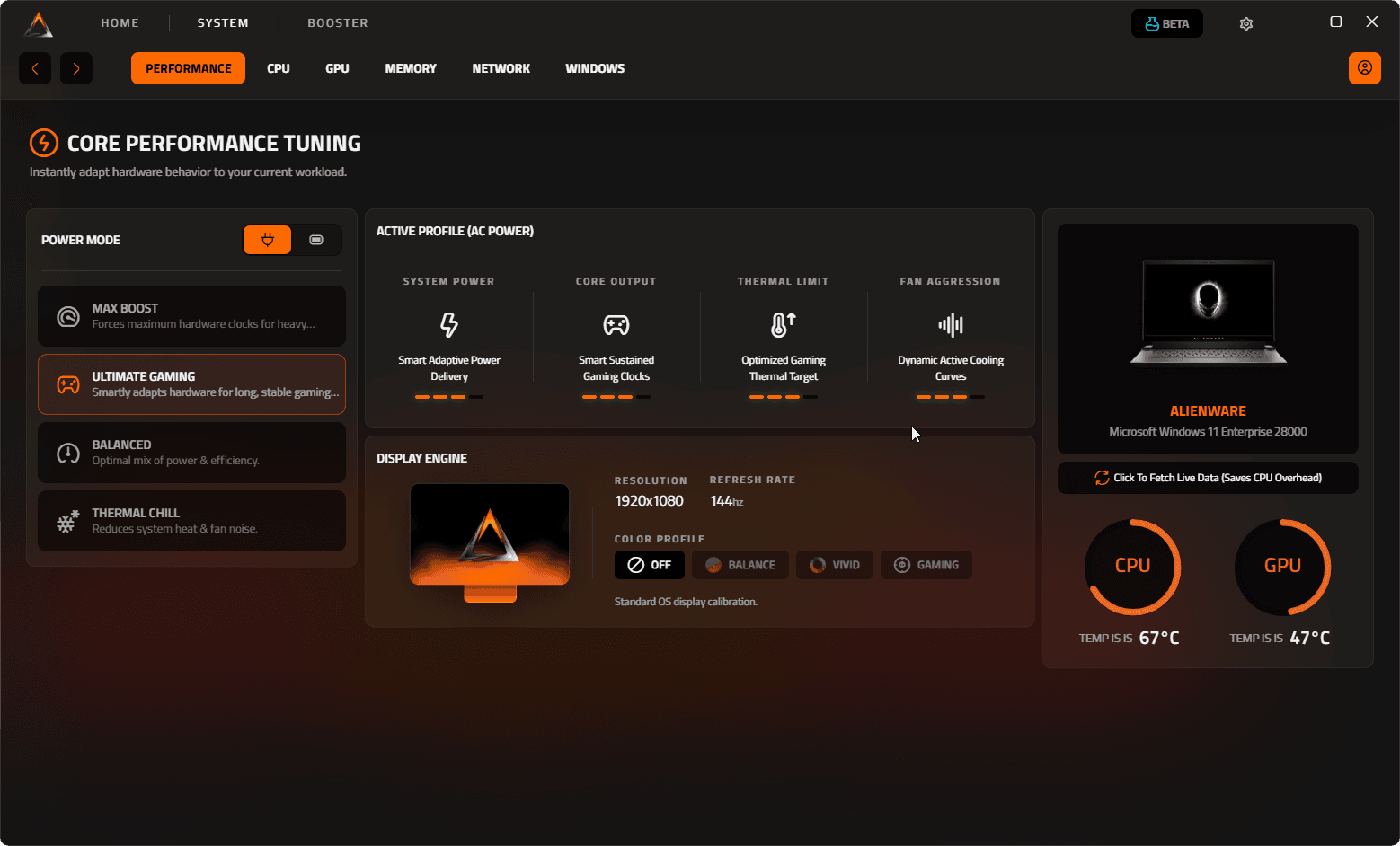
From AI upscaling updates and HDR color enhancement to low-latency kernel dispatching and laptop power management — RyNxt delivers practical performance tuning for your PC and laptop hardware.

Upgrade and fine-tune your DLSS, FSR, and XeSS game libraries to the latest releases. RyNxt optimizes frame generation pipelines to reduce ghosting artifacts, minimize render latency, and significantly boost FPS in demanding AAA games.




Calibrate display color accuracy, gamma curves, and dynamic contrast in real time. RyNxt enhances color vibrancy and HDR tone mapping to deliver clearer visibility in dark corners and richer details across competitive games.


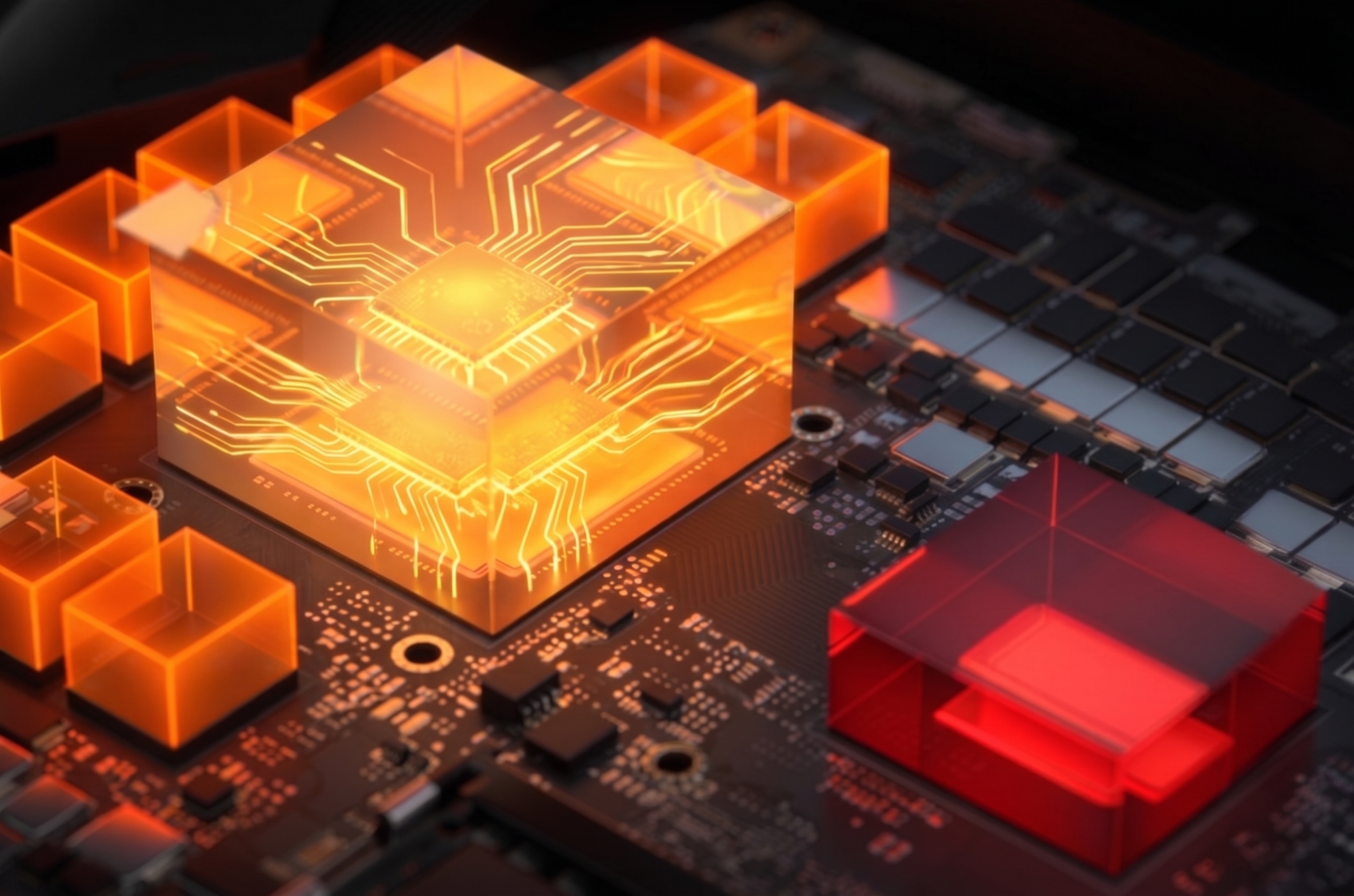
Fine-tune Windows thread dispatching in real time to optimize CPU, GPU, and memory throughput simultaneously. Effectively reduces DPC latency spikes and input lag for competitive multiplayer titles.


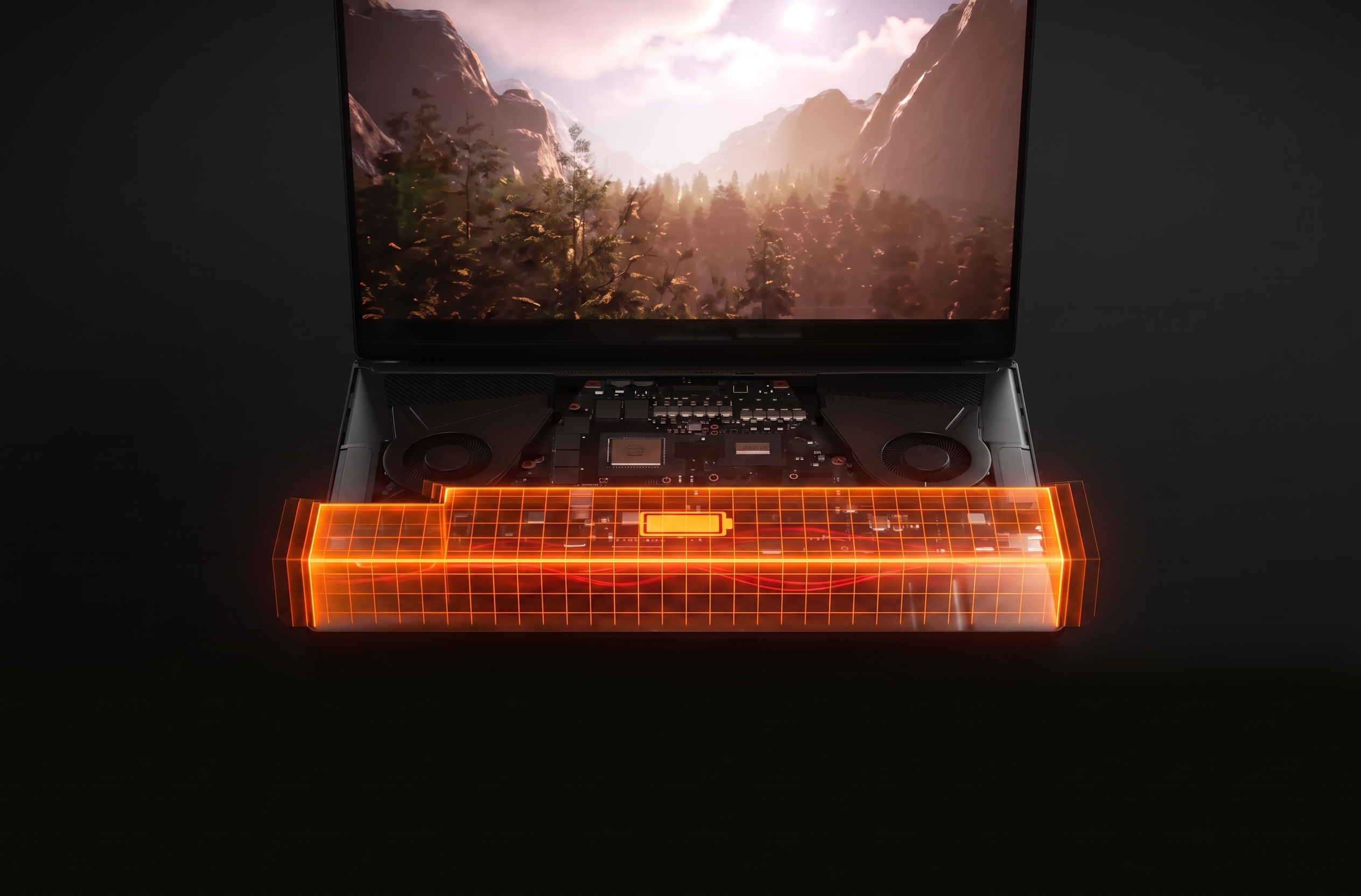
Significantly extend unplugged battery life and lower operating temperatures by dynamically fine-tuning CPU/GPU power limits, clock scaling curves, and background activities on the go.

Prioritizes active gaming threads and eliminates OS power throttling to deliver ultra-low input latency and maximum CPU responsiveness during competitive matches.
Prioritizes active gaming threads and eliminates OS power throttling to deliver ultra-low input latency and maximum CPU responsiveness during competitive matches.
Locks all CPU cores at peak boost frequencies and disables core parking to ensure sustained high FPS and eliminate micro-stuttering under heavy computing loads.
Dynamically scales CPU clock speeds and voltage curves to balance instant in-game responsiveness with cooler operating temperatures for everyday multitasking.
Applies smart thermal limits and power scaling to guarantee minimal hardware heat and whisper-quiet fan speeds without compromising operating system fluidity.
Optimizes processor power draw and deep sleep states to deliver significantly longer laptop battery runtime while maintaining snappy everyday system performance.
See how RyNxt increases average frame rates, stabilizes 1% low frametimes, and minimizes input lag across demanding titles with measurable in-game performance gains.









































"End-games with 40 people alive used to drop my frames down to 120. With RyNxt, my FPS barely moves below 220 even in stacked moving zones."
"Fast piece control and triple edits feel way lighter now. The delay between clicking and building placing is practically gone."
"I always assumed optimizers were snake oil, but the frametime graph went completely flat after the timer resolution tweak."

"Hot dropping into Bootcamp used to cause massive frame hitching. With RyNxt, close-range spray fights stay completely smooth."
"Mouse tracking is night and day. My crosshair finally stops floating in fast shotgun fights, feels like raw 1:1 hardware input."

"Tracking with the R99 used to hitch every time smoke dropped. Now it holds 190 FPS steady without micro-stutters."
"CS2 sub-tick feels crisp when your DPC latency is low. Spraying feels responsive and bullets actually connect when peeking angles."

"Running OBS and Warzone used to max out my CPU. Prioritizing game threads stopped the random frame drops completely."
"Flicking on 360Hz feels instant. Got rid of that weird sluggish mouse feel on Windows 11 completely."
"Hot dropping into Fragment used to turn into a slideshow. My GPU clocks stay pinned now instead of downclocking mid-match."
"Gained around 45 FPS on Ancient. Frame pacing feels rock solid without sudden lag spikes when smokes pop."
"Used to restart Warzone every 3 matches because of RAM leaks. The standby RAM purge keeps the game smooth all night."
"Tested PUBG in LatencyMon. DPC routine execution times dropped across the board, especially on the GPU interrupt line."

"Holding tight pixel peeks feels sharp. Keyboard and mouse polling feels noticeably more consistent when swinging corners."
"Hitscan tracking on 360Hz feels glued to the targets. Zero random micro-stutters during heavy site takes."
End-games with 40 people alive used to drop my frames down to 120. After running RyNxt, my FPS barely moves below 220 even in stacked moving zones.
Rating: 5/5Fast piece control and triple edits feel way lighter now. The delay between clicking and building placing is practically gone.
Rating: 5/5I always assumed third-party optimizers were snake oil, but the frametime graph in CapFrameX went completely flat after the timer resolution tweak.
Rating: 5/5Hot dropping into Bootcamp used to cause massive frame hitching. RyNxt stabilized my 1% low FPS so close-range spray fights stay completely smooth.
Rating: 4/5Mouse tracking is night and day. My crosshair finally stops floating in fast shotgun fights, feels like raw 1:1 hardware input.
Rating: 5/5Close-range tracking with the R99 used to hitch every time Bangalore dropped smoke. Now it holds 190 FPS steady without micro-stutters.
Rating: 5/5CS2 sub-tick feels crisp when your DPC latency is low. Spraying with the AK feels responsive and bullets actually connect when peeking angles.
Rating: 5/5Running OBS and Warzone on the same PC used to max out my CPU. Prioritizing game threads stopped the random 1% low frame drops completely.
Rating: 5/5Flicking on 360Hz feels instant. The timer resolution and bloatware cleanup got rid of that weird sluggish mouse feel on Windows 11.
Rating: 5/5Hot dropping into Fragment used to turn into a slideshow. My GPU clocks stay pinned now instead of downclocking mid-match.
Rating: 5/5Gained around 45 FPS on Ancient and Anubis. More importantly, frame pacing feels rock solid without sudden lag spikes when smokes pop.
Rating: 5/5Used to have to restart Warzone every 3 matches because of memory leaks. The standby RAM purge keeps the game smooth all night.
Rating: 5/5Tested PUBG before and after in LatencyMon. DPC routine execution times dropped across the board, especially on the NVIDIA driver interrupt line.
Rating: 5/5Holding tight pixel peeks feels sharp. Keyboard and mouse polling feels noticeably more consistent when swinging corners.
Rating: 4/5Hitscan tracking on 360Hz displays feels glued to the targets. Zero random micro-stutters during heavy team site takes.
Rating: 5/5Have questions about system compatibility, anti-cheat safety, or FPS gains? We have all the details covered.